

Managed IT for healthcare practices and clinics
Practice software, imaging and patient records all depend on reliable IT. We manage the workstations, practice servers, imaging storage, Microsoft 365, security and backup behind them, with support requests raised in Microsoft Teams.
$Managed IT cost calculator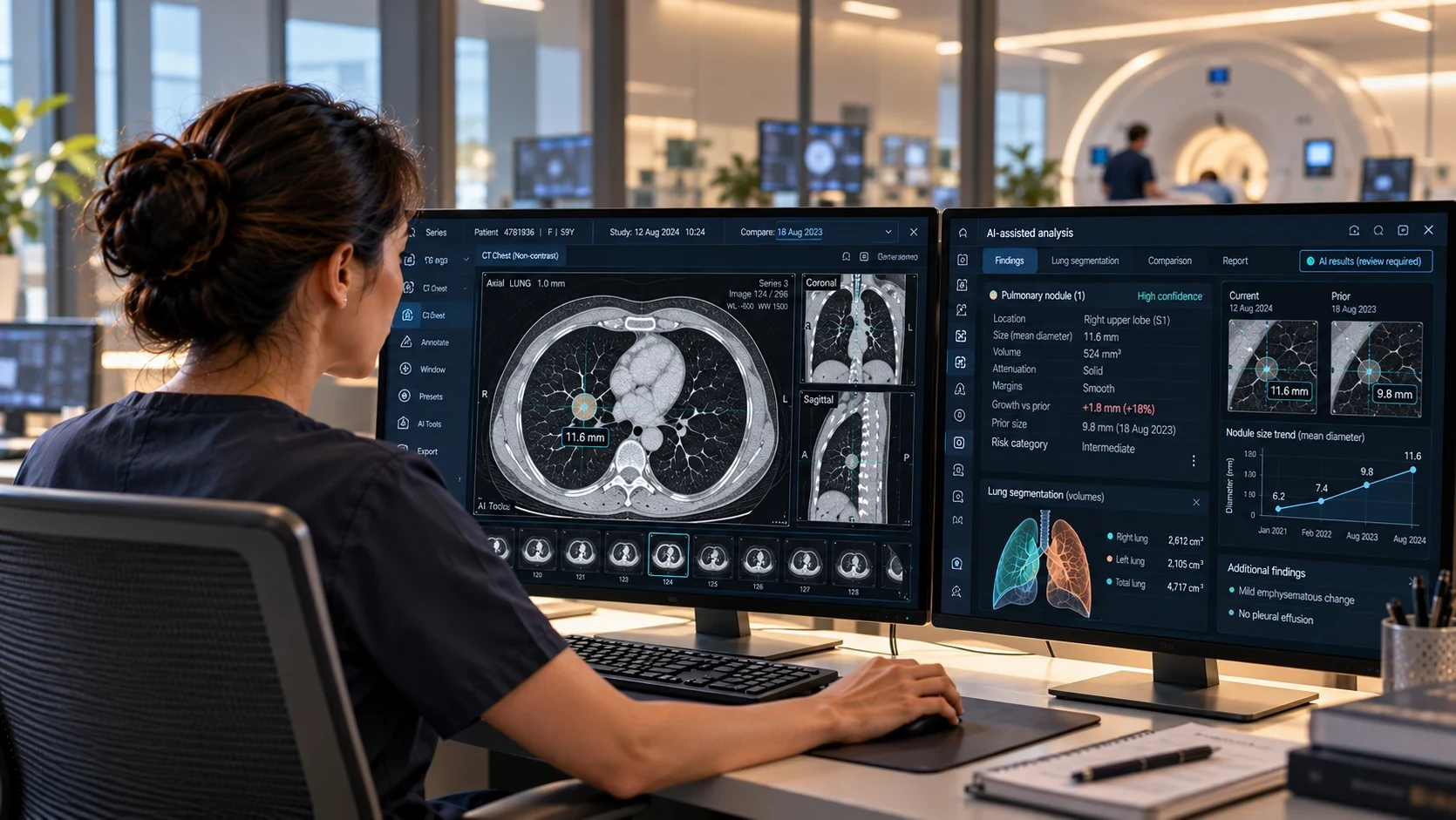
Practice IT across medical, dental, allied health and imaging
A GP clinic, a dental surgery, a physiotherapy practice and an imaging group run on very different technology, from the clinical system at reception to the PACS archive behind each scan, and we support single-site clinics and multi-site groups across all four.
Medical practices
GP · Specialists · TelehealthGP and specialist practices need the clinical system, reception and telehealth working from the first appointment of the day to the last.
We look after everything around the clinical system, from devices and sign-in to the network, backup and security.
- Reliable access to Best Practice, MedicalDirector, Genie, Zedmed or similar
- Connectivity and certificates behind Healthlink, eRx and Medicare online services
- Reception computers, printers, scanners and payment terminals
- Telehealth and remote patient monitoring devices, with reliable audio and video
- Locum and visiting specialist access, set up and removed as they come and go
- Secure messaging and encrypted email for referrals and results
- Backups with tested restores for clinical and practice data
Dental practices
Surgeries · Imaging · Practice serverDental practices run more technology per room than most clinics: a computer in every surgery, intraoral cameras and X-ray sensors, an OPG or 3D scanner, and practice software such as Dental4Windows, often on a server in the practice.
We look after that setup: surgery and imaging workstations, the practice server and its backups, storage for growing image files, the network between surgeries and the terminals at the front desk.
- Surgery and imaging workstations, patched and supported
- The practice server and its database backups, with restores tested
- Storage planned for X-ray, OPG and 3D scan images
- Network and Wi-Fi across surgeries and sites
- HICAPS and payment terminals at the front desk
- Secure remote access for dentists and practice managers
- Vendor coordination with practice software and imaging suppliers
Allied health
Cloud platforms · Front desk · Mobile practitionersPhysiotherapy, psychology, occupational therapy and podiatry practices usually run on cloud practice platforms, with practitioners moving between rooms, sites and home visits.
That puts the weight on identity, devices and connectivity. We keep sign-in secure, devices managed wherever practitioners work and the front desk connected.
- Secure sign-in and MFA for cloud platforms such as Cliniko or Halaxy
- Front-desk computers, printers and payment terminals
- Managed laptops, tablets and phones for home-visit practitioners
- Contractor access across sites, removed when they leave
- Video consults and telehealth set up for practitioners on the move
- Microsoft 365, email and document security
- Backup for Microsoft 365 and practice data held outside the platform
Diagnostic imaging
RIS and PACS · Equipment networks · Remote reportingImaging practices move some of the heaviest data in healthcare. Studies flow from CT, MRI, ultrasound and X-ray equipment into PACS, out to radiologists reporting from other sites or from home, and back to referrers waiting on results.
We design and run the infrastructure underneath RIS and PACS, across one site or a growing group: storage sized for study growth, segmented equipment networks, fast links between sites, secure remote reporting and system restores we test on a schedule.
- Servers, storage and private cloud for RIS, PACS and image archives
- Segmented networks for modality equipment
- High-throughput links between sites, sized for study volumes
- Reporting workstations, high-resolution displays and peripherals
- Secure remote reporting access, with MFA on every session
- Controlled, logged remote access for equipment and software vendors
- Co-managed support alongside an internal IT team
- Vendor coordination across RIS, PACS, equipment and carriers
What comes back first if your systems go down
We put the plan in place with you, setting out which systems come back first after an outage or cyber incident, how quickly each one should be running again and how your team will confirm that it is. We test it on a regular schedule and update it as the practice changes.
The order follows the clinical day. Sign-in and the clinical system come back first, because nothing else works without them. Next come the rooms where patients are treated or scanned, and then anything that can wait until the afternoon.
- 1Identity and Microsoft 365Staff can sign in, and email and Teams work1 hour
- 2Practice server and Dental4Windows databaseToday’s appointments and patient records open2 hours
- 3Surgery and imaging workstationsX-ray sensors and the OPG capture to the right patient4 hours
- 4Front desk and HICAPS terminalsPayments and claims go through4 hours
- 5Image archivePrior images open from every surgerySame day
- 1Identity and Microsoft 365Staff and radiologists can sign in1 hour
- 2RIS and PACS servers, with current study storagePatients can be booked in and new studies open for reporting2 hours
- 3Equipment networks and reporting workstationsCT, MRI and ultrasound send studies to PACS2 hours
- 4Remote reporting access and site linksRadiologists can report from other sites and from home4 hours
- 5Image archive and prior studiesPrior studies open for comparisonSame day
The systems we look after day to day
Practice IT, from the front desk and consult rooms to the practice server and image archive.
Users and IT support
Clinicians, reception staff and locums raise requests in Microsoft Teams and follow them there, and AI-assisted triage routes each one to the right engineer. When clinical access is down, it's a P1. Under our SLA-driven support model, the response target for a P1 incident is under 15 minutes.
Microsoft 365 and identity
Microsoft 365 and Entra ID run with MFA, Conditional Access and role-based permissions, including the shared mailboxes reception, referrals and results depend on. Health providers report more breaches to the OAIC than any other sector, so we set up data loss prevention (DLP) for patient information in email, Teams and documents.
Computers and devices
Consult-room, surgery and reception computers, imaging workstations, and the laptops, tablets and phones practitioners carry between sites. Devices are managed to one standard, with endpoint protection, encryption and patching scheduled outside clinic hours.
Cloud, infrastructure and networks
Servers, storage, private cloud and Azure for practice, clinical and imaging systems, sized for growing image archives, like the Nutanix private cloud we built for a multi-site healthcare group. Firewalls, Wi-Fi and SD-WAN connect every site, with medical and connected devices segmented from general traffic.
Backup and recovery
Immutable backups across Microsoft 365, servers, practice databases and image archives, with alerts reviewed and restores tested. Systems are restored in the order clinical services need them back, so the practice knows what returns first and how long it takes.
Vendors and clinical software
Clinical and dental software, imaging systems, Healthlink, My Health Record and telehealth all run on your IT. We manage the devices, access, certificates and connectivity they rely on, including those behind Medicare online services, and coordinate with each vendor.
Cybersecurity and patient data
Identity, endpoint and email security, patching and privileged access are part of the service, with Essential Eight-aligned controls and managed detection and response where patient data warrants it. We keep the evidence RACGP accreditation, My Health Record and cyber insurers ask for.
Copilot, AI and automation
Before Copilot reaches patient correspondence, we review SharePoint, Teams and mailbox permissions, then implement and support it inside those boundaries. For AI scribes, we set up the devices, access and data boundaries around the tool you choose, and we build AI agents and automation for administrative work.








Questions we get asked
Do you manage clinical software like Best Practice, Dental4Windows, Cliniko or PACS?
How much does Managed IT cost for a healthcare provider?
What is your response time when clinical access goes down?
Can you work alongside our internal IT team?
How does onboarding work for a practice?
Does Share by Default affect us?
What IT evidence do RACGP accreditation and cyber insurers ask for?
How should a dental practice back up its practice management software?
Are AI scribes safe to use with patient information?
What do we have to do after a data breach?
What reporting and reviews do we get?
Explore the services we provide
We support clinical and administration teams as one service.
Medical · dental · allied health · imagingExplore Managed IT →We protect patient information as part of everyday operations.
Essential Eight alignment · cyber insurance evidenceExplore Cybersecurity →We connect practices, multi-site groups and practitioners working remotely.
Fortinet and Cisco Meraki capabilityExplore Networks & SD-WAN →We run servers, storage and cloud around the clinical systems they support.
Azure · Microsoft 365 · clinical-system dependenciesExplore Infrastructure & Cloud →We set up Copilot and AI scribes and automate administrative work.
Copilot deployment · Power Platform · governed AIExplore AI & Automation →We source and deploy the hardware and licences your practice runs on.
Workstations · imaging displays · licensingExplore Technology Procurement →IT that holds up through the clinical day
We’ll review how your practice systems are backed up, secured and supported, and where AI scribes fit.
Discuss Managed ITCalculate Managed IT costPrefer email? contact@inlightit.com.au